 Scan to downloadFree on iPhone
Record the whole conversation
Reliable 4+ hour recording on your iPhone. No extra hardware.
 COHEAR
CoHear remembers what was said, organizes what you learned, and makes it easy to review later. Stay focused on the people in front of you.
Reliable 4+ hour recording on your iPhone. No extra hardware.
Recognizes the conversation type and builds the right summary, insights, and actions. Connected AI adds context where needed.
Get a full analysis and summary from one hour of audio in about 65 seconds.
Share a link or connect your notes to other AI tools through MCP.

Three steps run every time you record, so you never start from a blank page.
Pick a conversation. CoHear listens, highlights what matters and sorts it into the cards you need, while the meeting is still going.
Record on your iPhone. CoHear turns speech into a clear transcript that shows who said what, synced to the audio.
It reads the conversation the way an expert in your field would, adding background knowledge and breaking goals into tasks.
AI picks the best way to present each meeting: a summary, slides, an infographic, a study plan or an action list.
CoHear reads each meeting in depth, then builds the presentation that fits it best: a summary, a slide deck, an infographic, or all three.
Launch moves to Nov 12
Pricing page ships with v2
API migration · Priya · Fri
Vendor contract · Sam · Wed
Design review still open

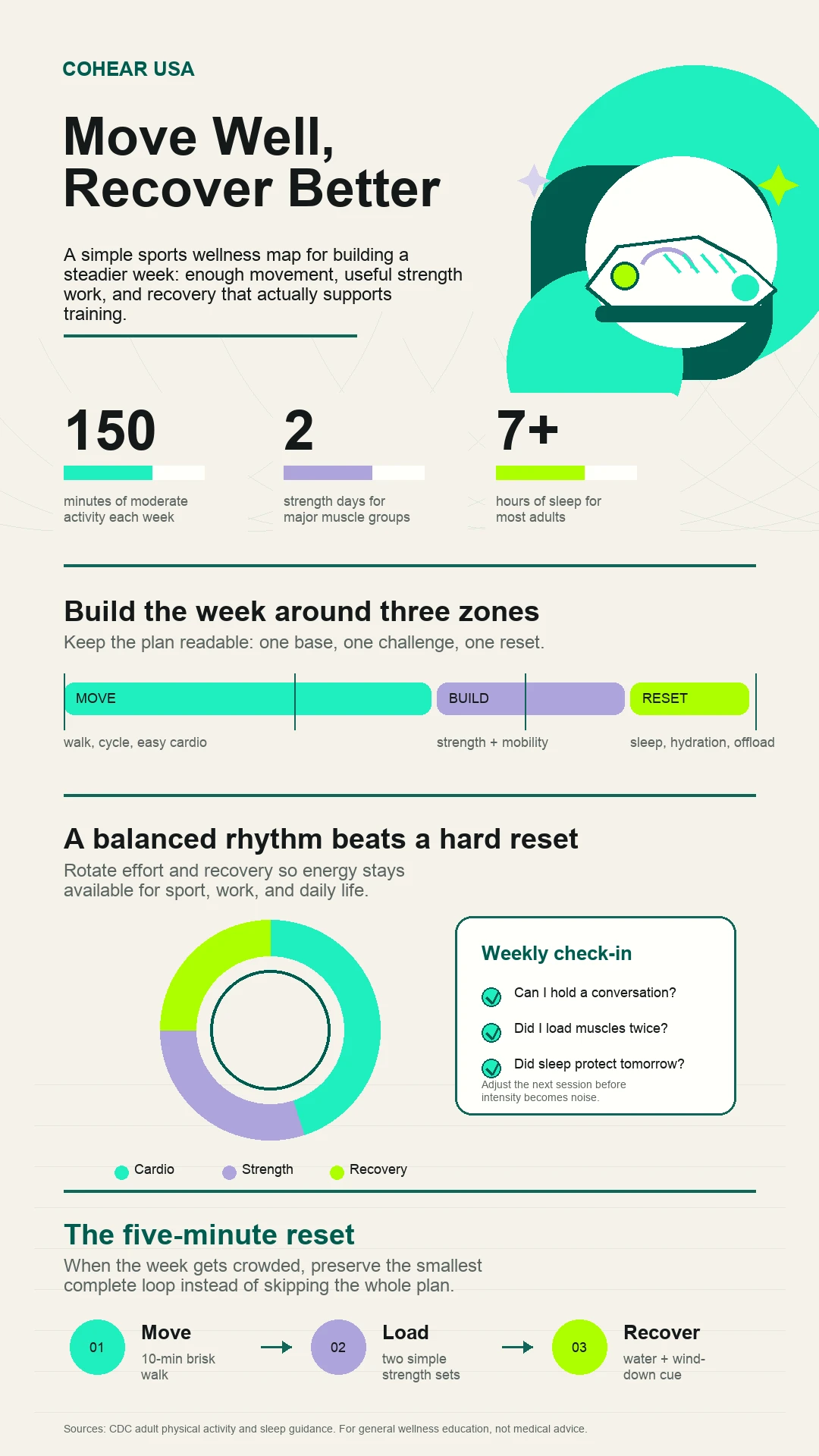
Lecture→Study plan + practice questions
Experienced AI users judge a tool on these four things. We built Meeting Plus so you never have to trade one for another.
Analysis starts the moment you stop recording, with no slowdowns at peak hours.
No monthly minute cap, no per-session time limit and no word limit on summaries.
Verbatim quotes with timestamps and speaker labels, so you can check anything in seconds.
Tuned for 5,000+ meeting types, with background knowledge, industry context and task breakdowns.
Terms, concepts and references that come up get explained in plain words, right next to your notes.
A lecture, a pipeline review and a board meeting each get read with the vocabulary and priorities of their field.
Recent industry context sits beside the conversation, so your takeaways aren't already out of date.
Big goals mentioned in the meeting become ordered tasks with owners and dates you can act on today.
Start with the conversation that matters to you. Each one ends with something you can use right away.
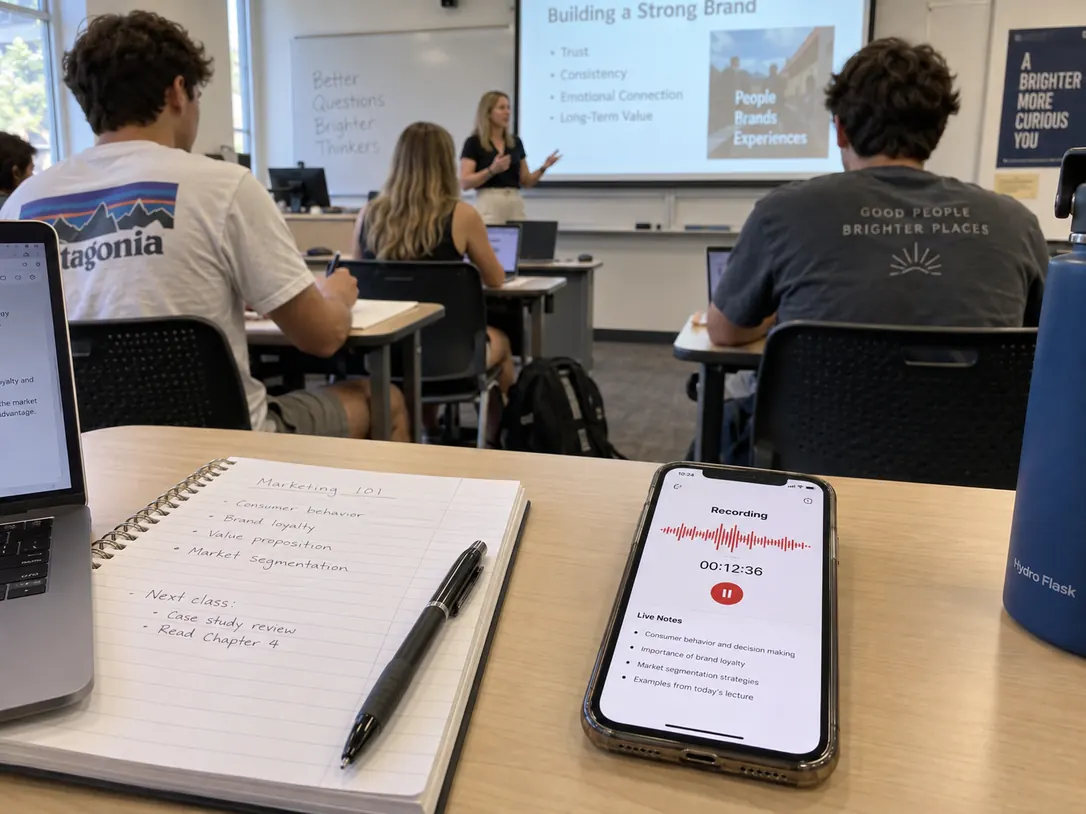
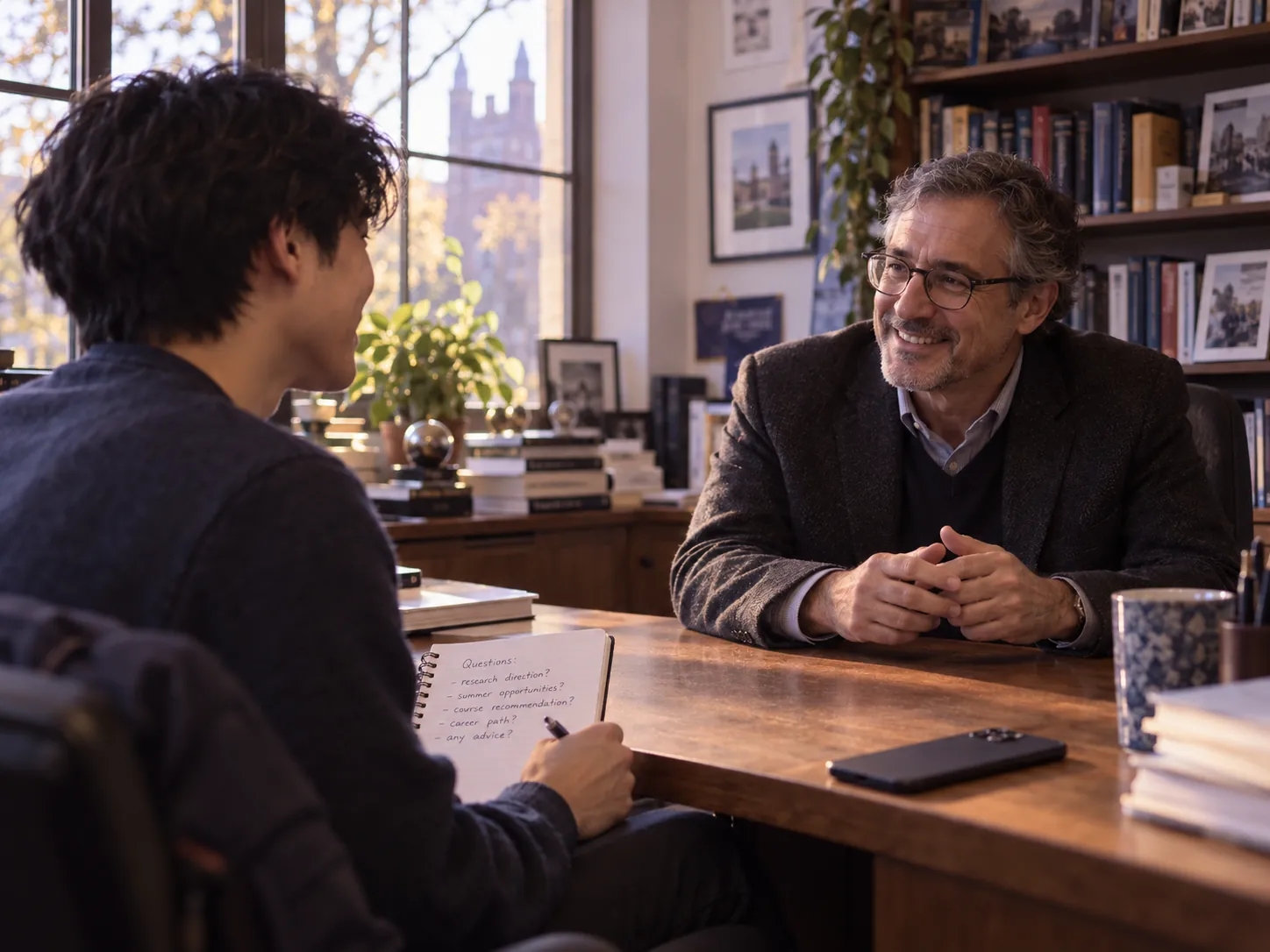

Your 24/7 TA in your pocket. Listen deeply in class and let CoHear handle the study prep: what will be tested, practice built from the lecture, and the right questions for your professor.
Investor calls, customer interviews and co-founder syncs turn into investor updates, pitch slides and a clear list of what to do next.

Team syncs, 1:1s and project reviews become decisions, action items and ready-to-present weekly report slides.
Pains, objections and decision details from every call, in the customer's own words, ready for your follow-up email and CRM.
Also tuned for recruiting, consulting, customer success, research and 5,000+ other meeting types.
Perspectives from 20 work roles on how CoHear can keep work moving.
I can go from a recording to a clear summary and action list without rebuilding the meeting from scratch.
The analysis helps me see what changed, what is still open, and what needs a follow-up.
A meeting result becomes something I can share with the team and use in the next meeting.
The summary separates decisions from open questions, so I know what to resolve next.
I can carry key user evidence from interviews into the next design review.
The action list makes ownership and follow-up visible before the next customer call.
I spend less time replaying a recording and more time aligning the team.
Risks and dependencies are easier to spot when the meeting is organized.
Topic analysis shows how findings repeat across interviews instead of leaving them as isolated notes.
A clear meeting record helps me explain why a timeline changed.
Connects with the tools you already use
Every control stays visible — recording notice, sharing controls, deletion, export, and AI data choices — before and after you record.
New recordings, transcripts, summaries, and generated results start private to your account unless you choose to share them.
Recording status stays visible during capture. Make sure participants receive any notice and consent required for your situation.
Choose what to share, export, or delete. Keep control of the audio, transcript, summary, and any result created from them.
 COHEAR / BLOG
FEATURED ARTICLE · WORKFLOWS
Why AI note-takers are becoming more useful than meeting transcripts, and how organized conversation data can support the work that follows.
0 likes·4 min read

ARTICLE · WORKFLOWS
Why meeting discussions become clearer when teams separate ideas, recommendations, decisions, open questions, owners, and next steps.
0 likes·4 min read

ARTICLE · WORKFLOWS
AI meeting notes can reduce the first round of work, but important decisions, owners, deadlines, and sensitive details still need human review.
0 likes·4 min read

ARTICLE · WORKFLOWS
Why the work after a meeting often matters as much as the meeting itself, and how organized recordings can keep decisions useful after the call ends.
0 likes·4 min read
Compare Meeting and Creator plans, including the current 7-day Meeting Plus trial.
Your quiet AI partner in every class, meeting and call. Every key point kept, the busywork handled.


